
Public WiFi in cafes, co-working spaces and airports has become part of daily life for many Indians who work or study on the move. The convenience is obvious: you can answer email, upload documents or join a video call without burning through mobile data.
But that same convenience can expose sensitive information if the connection or your device is not properly secured. A recent Washington Post “One Tech Tip” column on logging on at a cafe highlighted how everyday habits on public networks can put personal data at risk, and offered simple steps to reduce that risk.
This explainer walks through those ideas in clear, practical terms for people in India who rely on shared networks.
Why public WiFi can be risky
When you connect to WiFi at a cafe or airport, your device is using a network that you do not control. According to the Washington Post’s guidance, that creates several kinds of risk:
- Others may see unprotected traffic. On poorly secured networks, data that is not encrypted can, in some cases, be intercepted by someone else on the same WiFi.
- Fake networks can imitate real ones. An attacker can set up a hotspot with a name similar to the cafe’s network and trick people into connecting.
- Shared networks increase the attack surface. Many devices on the same network mean more opportunities for someone to probe for weaknesses in other users’ laptops or phones.
In India, where remote work and digital services have expanded quickly, these issues matter for anyone handling work files, banking details, or personal messages over public connections.
First step: Treat all public networks as untrusted
The Washington Post column stresses a simple mindset shift: assume any public or shared WiFi is untrusted.
That does not mean you can never use it. It means you:
- Avoid doing sensitive tasks unless you add extra protection.
- Limit what data you expose while connected.
- Double-check that you are on the correct network.
A practical example: if you are at a cafe in Bengaluru using its free WiFi, it is fine to read news, stream music, or download a public document. But logging into your main email, accessing office dashboards, or paying a bill should be done more cautiously.
How to safely connect at a cafe or airport
The Washington Post’s tech tip breaks down a few core habits that make public WiFi safer. Here is what they mean in everyday terms.
1. Verify the network name with staff
Attackers sometimes create a hotspot with a name like Cafe_Free_WiFi or Airport-WiFi-Guest to lure people in. Once connected, your traffic can be monitored or redirected.
The column recommends confirming the exact network name and, if used, the password with staff before you connect. In an Indian setting, that might mean:
- Asking the barista to show you the network name on a printed sign or bill.
- Checking the boarding gate display or information desk for the official airport WiFi name.
If you see multiple similar names, choose the one staff confirm. If staff are unsure, it is safer to use your mobile hotspot for anything important.
2. Prefer secure websites (HTTPS)
Most modern websites use HTTPS, a protocol that encrypts data between your browser and the site. The Washington Post guidance notes that on public WiFi, this encryption is crucial.
You can spot HTTPS by:
- A lock icon near the address bar in your browser.
- The address starting with
https://instead ofhttp://.
On an untrusted network, avoid entering passwords or card details on sites that do not show the lock icon. Even on HTTPS sites, it is safer to combine this with other protections described below.
3. Use a VPN when possible
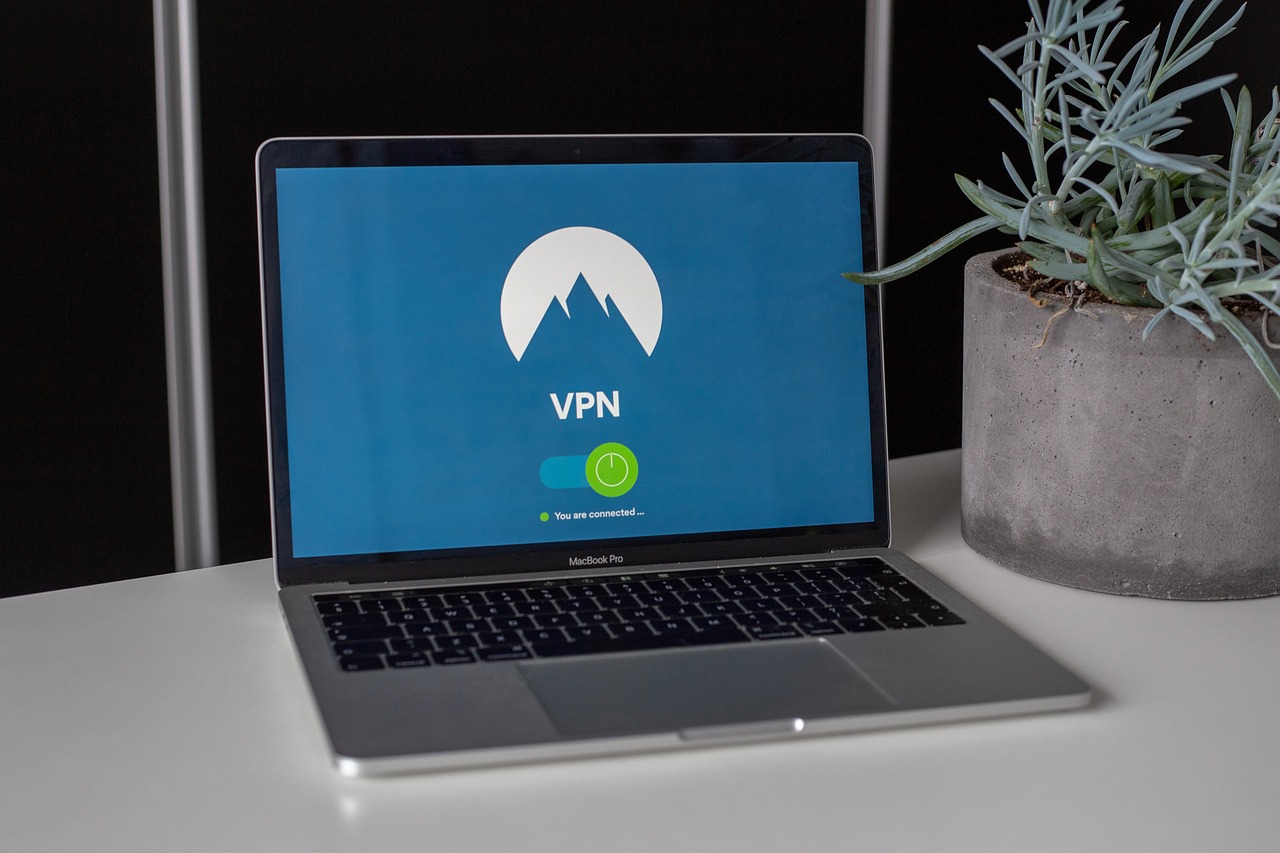
A VPN (Virtual Private Network) creates an encrypted “tunnel” between your device and a VPN server, so people on the same WiFi cannot easily see what you are doing.
The Washington Post column highlights VPNs as a strong layer of defense on public networks. In practical terms for Indian users:
- Many employers provide a corporate VPN app. Use it whenever you access work email or files from cafes or co-working spaces.
- If you choose a personal VPN service, select one from a reputable company with clear privacy policies. Free VPNs can sometimes log or misuse your data.
When your VPN is active, your traffic is harder to intercept on the local network, even if the WiFi itself is not well secured.
4. Turn off file sharing and limit what’s exposed
On laptops, features like file sharing, printer sharing, or “network discovery” can make your device visible to others on the same network.
The Washington Post tip advises turning these features off on public WiFi. On a typical setup, that means:
- Marking the network as “Public” or “Guest” when your system asks how to treat a new WiFi.
- Disabling file and printer sharing in your system’s network settings when you are outside your home or office.
This reduces the chance that someone on the same cafe network can scan your device for open folders or services.
5. Use two-factor authentication (2FA)
Two-factor authentication adds a second step to logging in, such as a one-time code sent by SMS or generated by an app. The Washington Post column points to this as a safety net if a password is stolen on a public network.
For Indian users, enabling 2FA on key services—email, banking, government portals, and major apps—means:
- Even if someone captures your password on a compromised WiFi, they still cannot log in without the second factor.
- You receive alerts when a new device tries to access your account.
Most major Indian banks and digital payment apps already use some form of multi-factor authentication; extending this habit to email and cloud storage is just as important.
Safer habits for digital nomads and remote workers
The Washington Post piece notes that digital nomads and remote workers are especially exposed because they rely heavily on public or semi-public networks in cafes and co-working spaces.
For people in India who work this way, a few additional habits help:
- Carry a mobile hotspot fallback. If a cafe network looks suspicious or unstable, switch to your phone’s hotspot for sensitive tasks.
- Separate work and personal devices. If your employer provides a laptop with managed security tools, use that for work on public WiFi rather than a personal device with fewer protections.
- Keep software updated. The column underscores that updates often fix security flaws. Install operating system and browser updates regularly, ideally before you head out to work from a cafe.
These steps do not eliminate risk, but they significantly reduce the chance that everyday work on shared networks leads to data loss or account compromise.
What this means for everyday users in India
The Washington Post’s guidance is aimed at general readers, and its core message applies directly to Indian users who now bank, work and study online from many locations.
The key ideas are straightforward:
- Public WiFi should be treated as convenient but untrusted.
- Simple checks—like confirming the network name and looking for HTTPS—block many basic attacks.
- Extra layers—VPNs, turning off sharing, and two-factor authentication—provide stronger protection when you cannot avoid using shared networks.
None of these steps require advanced technical knowledge. They are small adjustments to how you connect and log in.
The bottom line
Logging on at a cafe, co-working space or airport in India is now routine, but it does not have to be risky. The Washington Post’s “One Tech Tip” column on public WiFi emphasizes that a handful of habits—verifying the network, favoring secure sites, using a VPN when possible, disabling sharing, and turning on two-factor authentication—go a long way toward protecting your privacy.
For readers who work or study on the move, the practical takeaway is simple: keep using the networks that make your life easier, but add these safeguards so that convenience does not come at the cost of your data.